VL.Rhino
99,00 € – 289,00 €
incl. VAT
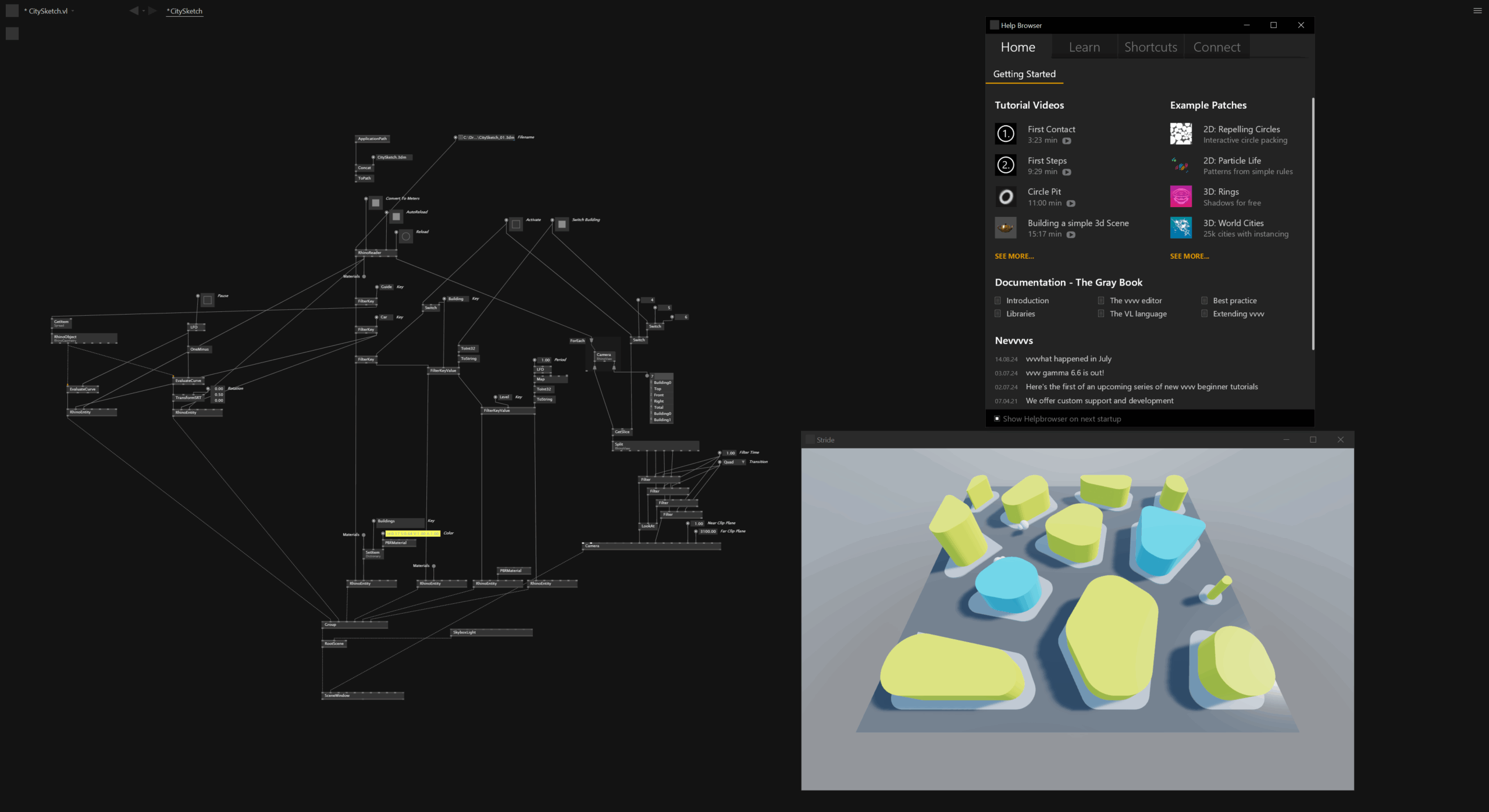
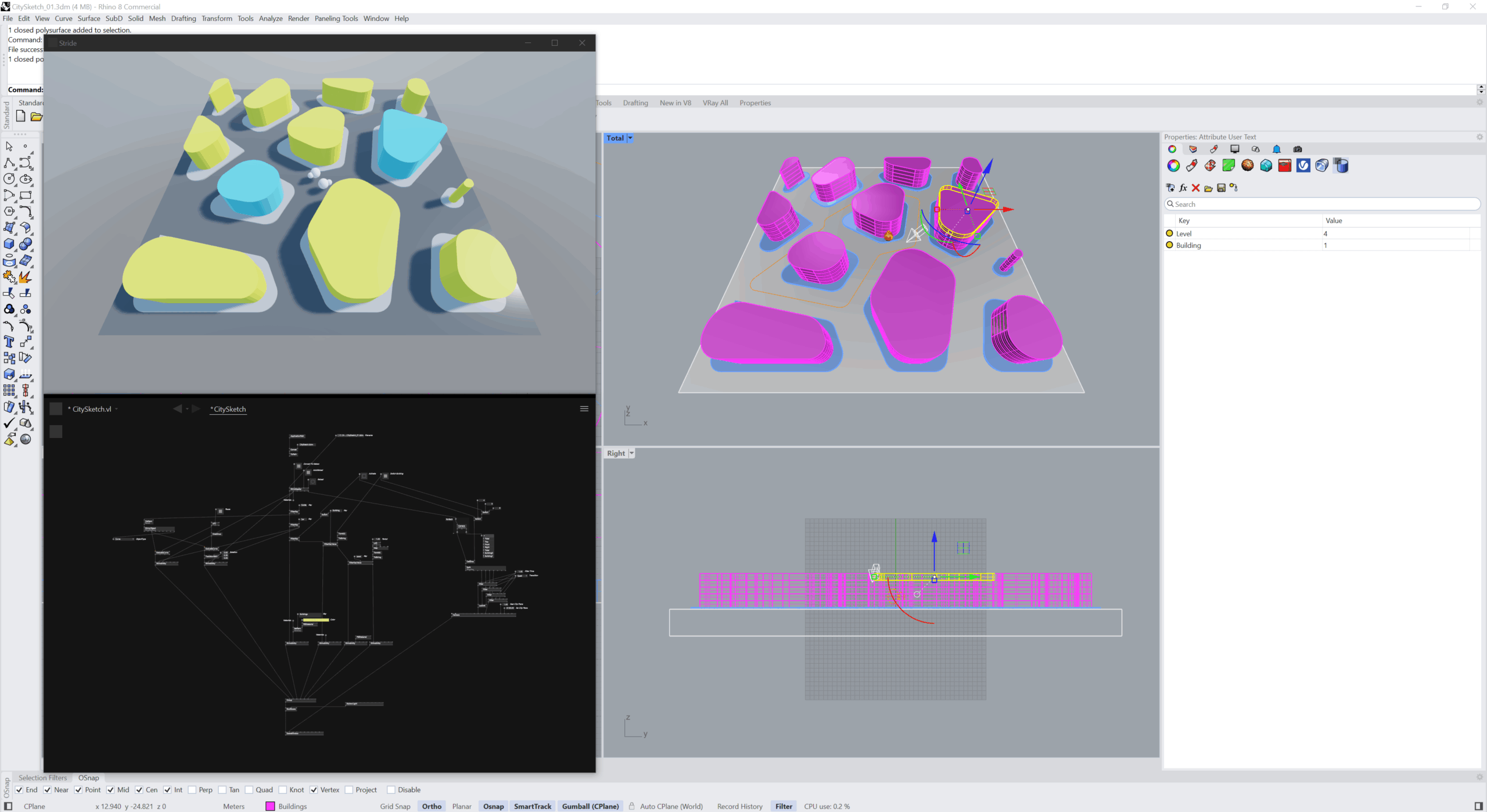
VL.Rhino exposes Rhino geometry, layers, and user strings as live data inside vvvv gamma — with a bidirectional bridge to Grasshopper at runtime. Built for installations, architectural visualisation, and parametric realtime systems.
Design in Rhino. React in vvvv.
VL.Rhino extends the open-source library VL.Rhino.3dm with a complete professional toolset: bidirectional Grasshopper live-link, Rhino Compute integration, advanced curve and surface creation, GPU instancing, PBR material pipeline, camera and light export, and Skia path conversion — all inside vvvv gamma. No Rhino installation required.
Designed for computational designers, creative coders, architects, and interactive studios.
What’s in the box
Geometry Nodes
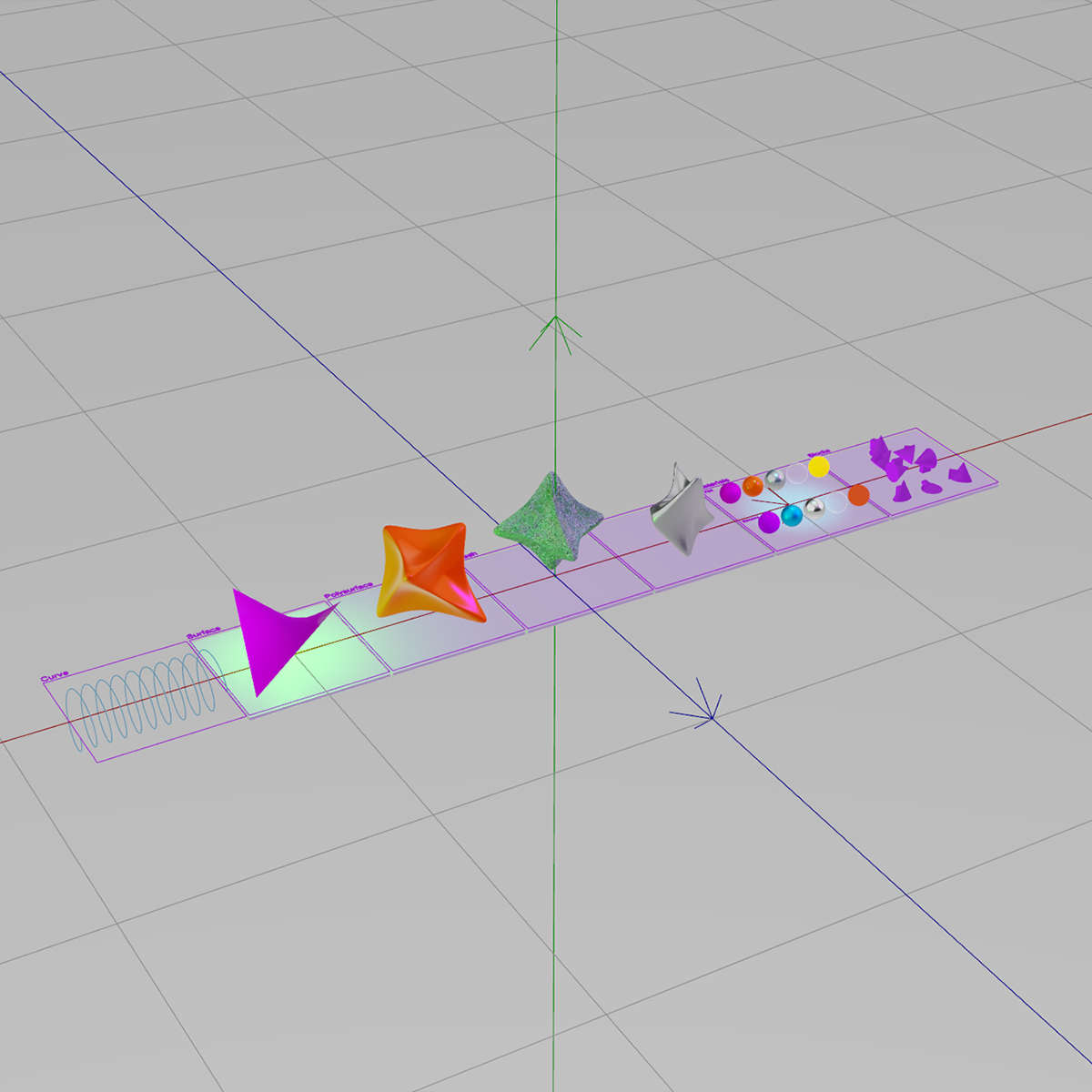
Curves, surfaces, Breps, meshes, SubDs, and point clouds as native vvvv types. No format conversion, no intermediate exports. Geometry is exposed as RhinoGeometry objects carrying the full object context: name, layer, material, bounding box, visibility, user strings, and instance transforms.
Layers & User Strings
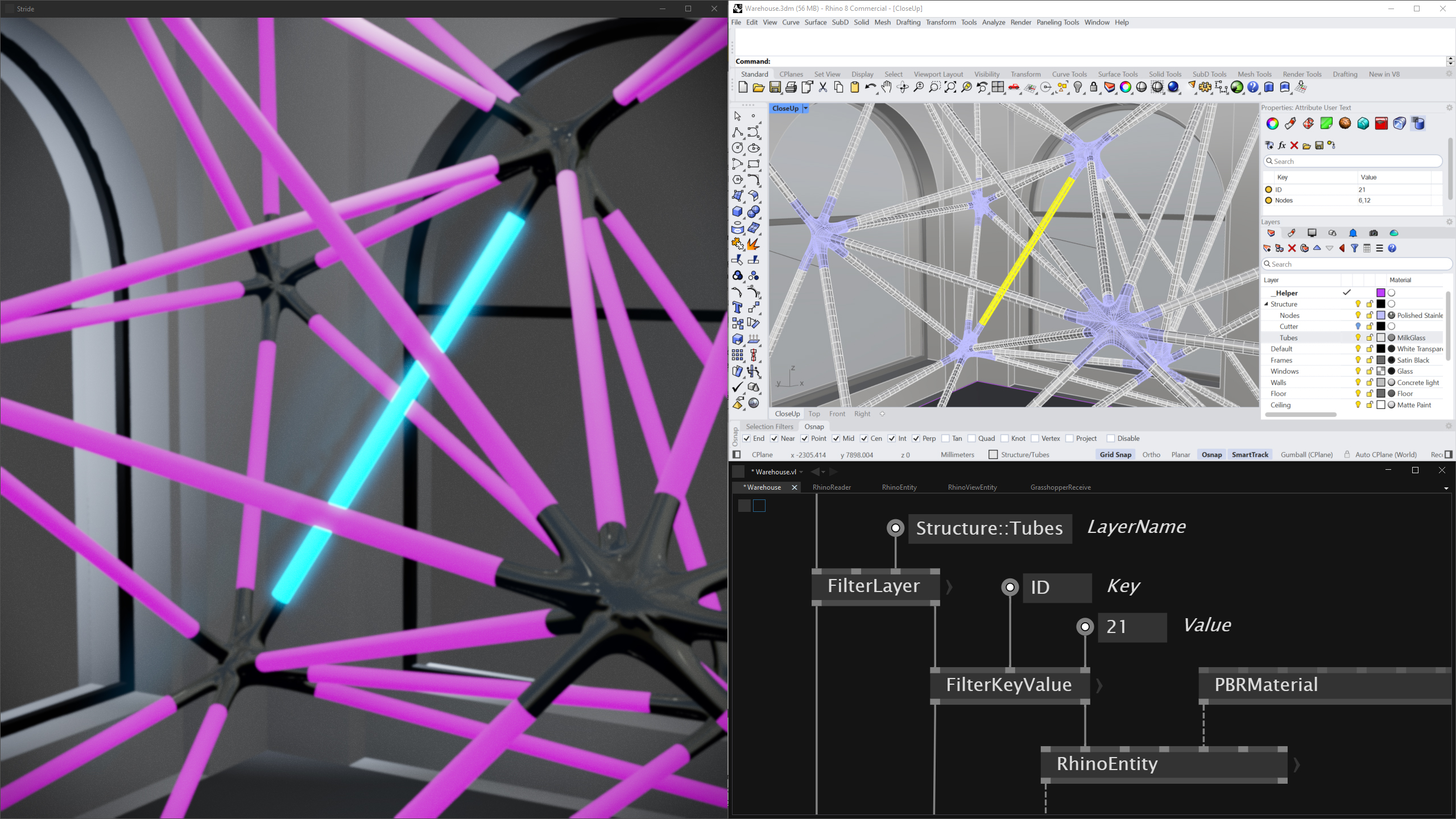
Filter, group, and drive logic from data embedded in your Rhino model. Every object can carry arbitrary key/value metadata (User Strings) — accessible as live inputs in vvvv, alongside the full hierarchical layer table with parent/child relationships, colors, and visibility.
PBR Material Pipeline
Base color, normal, metallic-roughness, occlusion, and emissive maps converted automatically. Embedded textures extracted directly from the .3dm — no separate texture files required. A material dictionary gives easy access to replace individual materials with your own VL-made ones.
Grasshopper Live-Link
Bidirectional data exchange with Grasshopper via shared memory. Change sliders from vvvv, read GH outputs in realtime. Wire-compatible with the VLinkGH Grasshopper plugin. Runs at 60 FPS without blocking. Requires Rhino 7 or 8.
Rhino.Compute
Connect to a Rhino.Compute server for cloud or local geometry processing. Local server for development, hosted endpoint for production. Bearer token support for compute.rhino3d.com.
Blocks & GPU Instancing
Block definitions including nested blocks render efficiently via GPU instancing. Architectural and product scenes with thousands of repeated parts stay realtime.
Also included
- Camera & view export — all named Rhino views converted to Stride camera entities
- Directional, Point, and Spot light conversion
- Advanced curve and surface creation from control points
- Pipe and ribbon mesh generators along curves
- Adaptive curve sampling with chord deviation and tangent angle tolerances
- Skia path conversion for 2D vector rendering from Brep edges and meshes
System requirements
- Windows 10 or 11
- vvvv gamma / VL 2025.x
- .NET 8
- No Rhino installation required — VL.Rhino uses rhino3dm and works standalone
- Rhino 7 or 8 required for the Grasshopper Live-Link feature only
Installation
After purchase, save the downloaded .nupkg file to a local folder, then open a terminal and run:
nuget install VL.Rhino -Source C:\vvvv\nuget -Source https://api.nuget.org/v3/index.jsonReplace the path with your actual folder. The full setup guide is in your order confirmation email.
Licensing
VL.Rhino licenses have two dimensions, mirroring the vvvv licensing logic:
- Developer Seat — each person who builds patches in vvvv gamma using VL.Rhino
- Deployment Device — each machine on which VL.Rhino runs at runtime: development PC, live installation server, or machine running an exported
.exe. Your development machine counts as a Deployment Device.
Perpetual license with 1 year of updates included. Your existing version keeps working after the update year — you only pay again if you want newer versions. No subscription, no DRM, no license server.
License FAQ
What counts as a Deployment Device?
Any machine (physical or virtual) on which VL.Rhino is loaded at runtime — development PC, live installation server, or a machine running an exported .exe. Your development machine counts too.
Do exported executables need their own license?
No. The .exe itself does not require a separate license — but the machine running it counts as one Deployment Device under your existing license.
Can I move a license between machines?
Yes. Decommissioned devices free up a slot for new ones.
What happens if I temporarily exceed the device limit?
For short-term events (festivals, exhibitions) we work on a trust basis. If you regularly operate above the limit, get in touch — we’ll find a fair solution.
Is this related to a vvvv license?
Independent. You need your own valid vvvv license (Developer and/or Device) in addition to VL.Rhino. VL.Rhino mirrors the vvvv logic but is not part of the vvvv license.
Is this a Rhino plugin?
No. VL.Rhino runs inside vvvv gamma and uses rhino3dm to read .3dm files directly. No Rhino installation needed — except for the Grasshopper Live-Link feature, which requires Rhino 7 or 8.
For large installations, enterprise projects, or custom scope: hello@wolfmoritzcramer.de
| License Type | Individual, Studio, Student |
|---|
Only logged in customers who have purchased this product may leave a review.
Reviews
There are no reviews yet.